Before Your Next AI Decision, Understand Your Microsoft Environment
AI is moving quickly, and that can make it difficult to know what deserves attention first.
Should you roll out Copilot? Explore agents? Add automation? Buy another license? Wait until the technology settles down?
For many leaders, the challenge is not a lack of options. It’s more like too many options, and knowing which options make sense for the business right now.
Before making the next AI decision, it helps to understand the Microsoft environment that AI will depend on. What do you already own? Who has access to what? Where does your information live? How well is it protected? And does the environment still reflect the way your business operates today?
That clearer starting point can make the difference between reacting to the market and making an informed decision.
AI readiness is about knowing where you stand
Organizations are not all at the same place with AI. Some are still trying to understand where it fits. Others are already using Copilot, connecting workflows, or beginning to explore agents.
There is nothing wrong with being at any of those stages. The important part is knowing where you are and what needs to be in place before you move further.
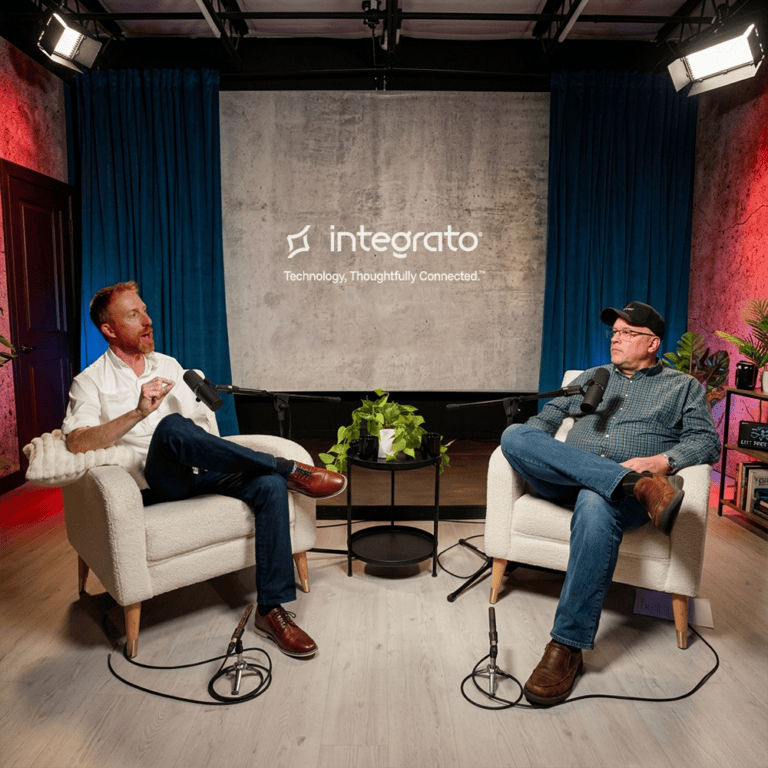
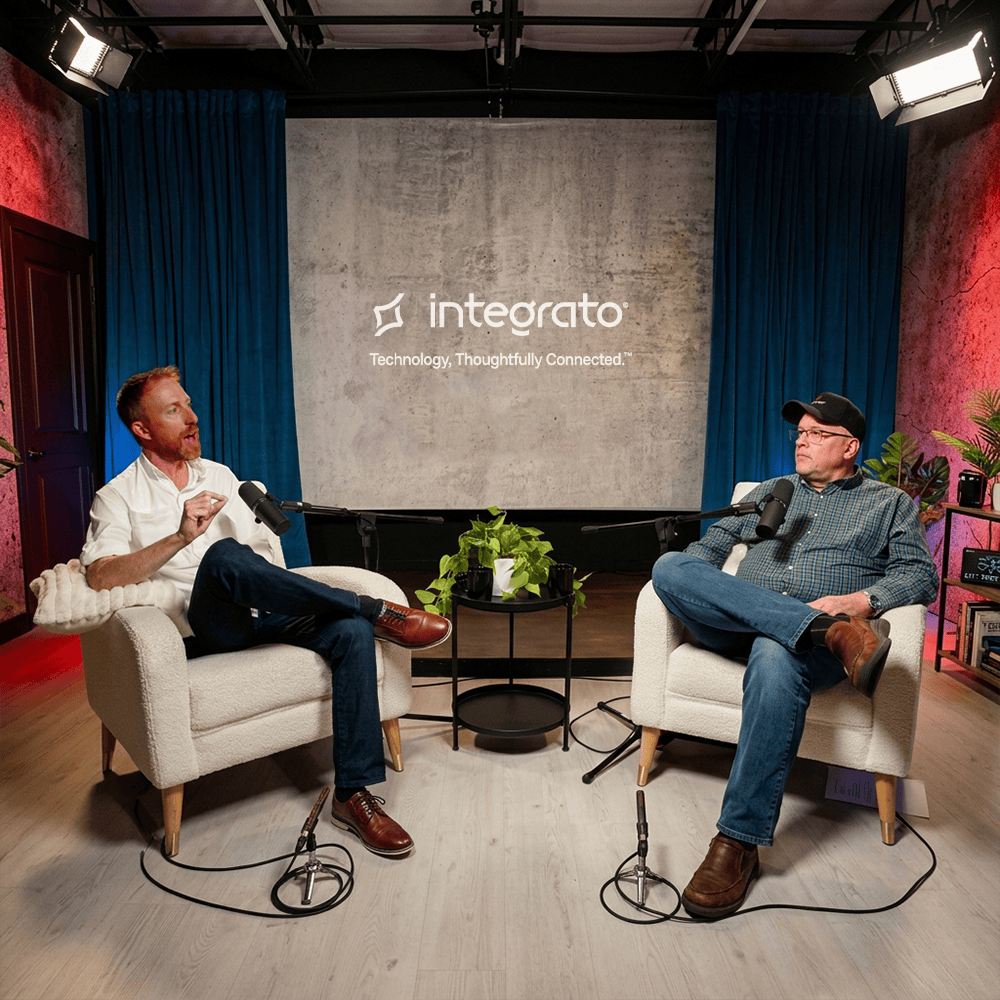
In The Journey to Thoughtfully Connected AI, Integrato CEO Robert Cini and President Andy Cohen talk about a healthier sequence for AI adoption: interested, ready, activated, automated, and eventually agentic.
The point is not to move slowly. It is to move with enough visibility to know what should come next.
The Microsoft environment underneath AI matters
One way we explain this is through what we call the Digital Office Headquarters.
Think about a physical office. The front door and badge system control who gets in. In Microsoft, that starts with identity and access. Teams and Exchange support communication and collaboration. SharePoint and OneDrive hold files and shared knowledge. Defender and Purview help protect the environment. Business Central or another ERP supports finance and operations. Power Platform connects work across those areas.
AI does not replace that building. It works across it.
That is why readiness is not only about whether you have access to Copilot. It is about whether the environment underneath it is prepared for broader AI use.
Security and governance deserve a closer look
Security concerns are one of the reasons some organizations hesitate to move forward with AI. Others move ahead assuming the technology itself will handle the risk.
Neither approach gives leadership the full picture.
Microsoft Secure Score can be a useful signal, but it does not answer every question that matters. Does access still match current roles? Are old SharePoint sites still broadly shared? Has guest access accumulated over time? Does the organization know which information is sensitive and who owns it?
Those are not reasons to avoid AI. They are reasons to understand the environment before expanding it.
As Andy puts it in the conversation: “AI doesn’t create risk, it reveals it.”
If AI makes existing information easier to find and use, the question becomes whether the access behind that information was set up intentionally.
Data readiness starts before broader AI use
Most organizations have years of information spread across SharePoint, OneDrive, Teams, shared folders, and business systems. Some of it is current. Some is outdated. Some is sensitive. Some may not have a clear owner anymore.
AI does not decide which information should matter to the business. Governance does.
That does not mean every file needs to be cleaned up before an organization can use Copilot. It does mean leadership should understand how information is stored, shared, and controlled before AI use expands.
Governance is the steering, not the brakes. It gives the organization clearer boundaries for how AI should work with business information.
Avoid investing ahead of the foundation
The pace of AI can also create pressure to keep buying the next capability.
Before adding another tool or license, it is worth asking what the organization already owns and how much of it is actually being used.
Microsoft environments change over time. People join and leave. Roles change. Subscriptions are added. Projects end. New tools are introduced. Eventually, the licensing and configuration may no longer match the way the organization works today.
Understanding that picture first can help leaders make the next AI investment with more confidence and avoid putting new technology on top of an unclear foundation.
You do not need the entire AI roadmap figured out
A good starting point does not have to answer every AI question.
It should help you understand what is already in place, where there may be gaps, and what deserves attention next.
For some organizations, that begins with an initial look at Microsoft licensing, Secure Score, and identity posture. Others need to go deeper into data, access, SharePoint governance, and what Copilot may be able to reach. Some environments need a more detailed technical review of Microsoft 365 security and configuration.
The right starting point depends on where you are today.
If AI is part of the conversation in your organization, start with a simple question: Do you know where you stand?
Once you do, the next decision becomes a lot clearer.